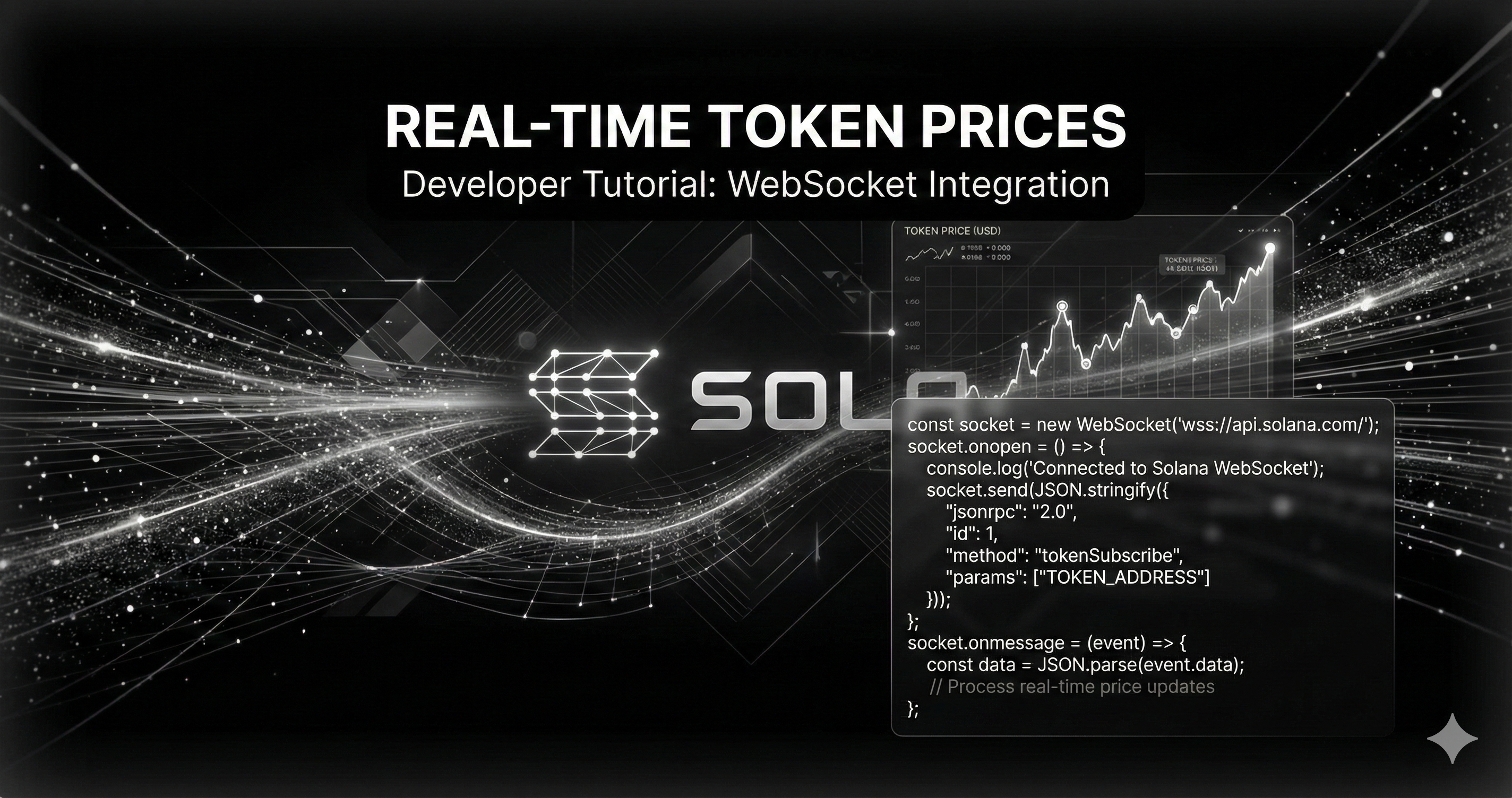
Building a Solana trading bot or price tracker? You've probably hit the same wall everyone does: how do you get real-time token prices without parsing raw blockchain transactions?
Most tutorials will tell you to:
- Subscribe to Solana RPC WebSocket logs
- Decode base58-encoded transaction data
- Parse instruction data with Borsh or Anchor
- Cross-reference pre/post token balances
- Calculate price from swap amounts
That's 200+ lines of fragile code that breaks when protocols update their instruction schemas.
There's a better way.
The Problem with Manual Transaction Parsing
Here's what developers typically struggle with when trying to get Solana token prices:
Stack Overflow is full of questions like:
- "How to decode a Solana transaction?"
- "Best practice to parse swaps from raw transaction data?"
- "Encountered a weird TX with 6 bundled swaps but logs only showed 4"
The manual approach requires:
- Understanding each DEX's instruction format (Raydium CLMM vs CPMM vs AMM)
- Handling bundled swaps (multiple swaps in one transaction)
- Keeping up with protocol updates (instruction schemas change)
- Dealing with parsing errors and edge cases
- Writing hundreds of lines of decoding logic
And after all that work, you get... one price update. For one token. On one DEX.
The Solution: Pre-Parsed WebSocket Streams
What if instead of parsing transactions yourself, you could just receive clean JSON with the price already calculated?
That's exactly what Dexploit's WebSocket API does. Here's the same data you'd spend 200 lines parsing, delivered as simple JSON:
{
  "signature": "5J8kKPXZVY7xYz3QRp...",
  "pair_id": "7qbRF6YsyGuLUVs6Y1q...",
  "token_address": "EPjFWdd5AufqSSqeM2qN1xzybapC8G4wEGGkZwyTDt1v",
  "price": 0.000045,
  "token_balance": 1000000.5,
  "sol_balance": 45.2,
  "liquidity": 120.8,
  "protocol": "PROTOCOL_CLMM"
}
No parsing. No decoding. Just prices.
Building Your First Price Stream
Let's build a real-time token price monitor in less than 80 lines of code.
Prerequisites
- Node.js 14.0.0 or higher
- A Dexploit API key (sign up free)
- 5 minutes
Step 1: Install Dependencies
Create a new project:
mkdir solana-price-stream
cd solana-price-stream
npm init -y
npm install ws dotenv
You only need two packages:
ws- WebSocket client for Node.jsdotenv- Environment variable management
Step 2: Set Up Your API Key
Create a .env file:
DEXPLOIT_API_KEY=your-api-key-here
Grab your API key from the Dexploit dashboard.
Step 3: Connect to the WebSocket
Create stream.js:
#!/usr/bin/env node

const WebSocket = require("ws");
require("dotenv").config();

// Configuration
const WS_URL = "wss://ws.dexploit.dev/ws/json";
const API_KEY = process.env.DEXPLOIT_API_KEY;

// Validate API key
if (!API_KEY || API_KEY === "your-api-key-here") {
  console.error("Error: DEXPLOIT_API_KEY not set in .env file");
  process.exit(1);
}

console.log("Connecting to Dexploit WebSocket...");

// Create WebSocket connection with authentication
const ws = new WebSocket(WS_URL, {
  headers: {
    Authorization: `Bearer ${API_KEY}`,
  },
});
What's happening here:
- We're connecting to Dexploit's JSON WebSocket endpoint
- Authentication is handled via Bearer token in headers
- No manual RPC setup needed
Step 4: Subscribe to Protocols
// Connection opened
ws.on("open", () => {
  console.log("Connected to WebSocket");

  // Subscribe to protocols
  const subscribeMessage = {
    protocols: ["clmm", "pumpfun"],  // Raydium CLMM + PumpFun
  };

  console.log("Subscribing to:", subscribeMessage.protocols);
  ws.send(JSON.stringify(subscribeMessage));
});
Available protocols:
clmm- Raydium Concentrated Liquidity (most volume)cpmm- Raydium Constant Productamm- Raydium Classic AMMpumpfun- PumpFun bonding curvepumpswap- PumpSwap DEX
Leave the array empty [] to subscribe to ALL protocols.
Step 5: Handle Incoming Price Data
// Message received
ws.on("message", (event) => {
  try {
    const data = JSON.parse(event.toString());

    // Handle subscription confirmation
    if (data.status === "subscribed") {
      console.log("Subscribed to:", data.protocols);
      console.log("\nNow streaming prices...\n");
      return;
    }

    // Handle price updates
    console.log(`[${data.protocol}] ${data.pair_id.slice(0, 8)}...`);
    console.log(`  Price: ${data.price} SOL`);
    console.log(`  Token Balance: ${data.token_balance.toLocaleString()}`);
    console.log(`  SOL Balance: ${data.sol_balance.toFixed(4)}`);
    if (data.liquidity) {
      console.log(`  Liquidity: ${data.liquidity.toFixed(2)} SOL`);
    }
    console.log(`  Signature: ${data.signature.slice(0, 16)}...`);
    console.log("");

  } catch (err) {
    console.error("Error parsing message:", err.message);
  }
});
What you get in each message:
price- Token price in SOL (already calculated)token_balance- Token amount in the poolsol_balance- SOL amount in the poolliquidity- Total liquidity (for AMM protocols)pair_id- Pool addresstoken_address- Token mint addresssignature- Transaction signature (for verification)protocol- Which DEX (CLMM, PumpFun, etc.)
Step 6: Error Handling
// Error handler
ws.on("error", (error) => {
  console.error("WebSocket error:", error.message);
  if (error.message.includes("401") || error.message.includes("403")) {
    console.error("Authentication failed. Check your API key.");
  }
});

// Connection closed
ws.on("close", (code, reason) => {
  console.log("\nWebSocket closed");
  console.log(`Code: ${code}`);
  console.log(`Reason: ${reason || "No reason provided"}`);
});

// Graceful shutdown
process.on("SIGINT", () => {
  console.log("\n\nShutting down...");
  ws.close();
  process.exit(0);
});
Step 7: Keep-Alive (Production-Ready)
// Keep alive ping (every 30 seconds)
const pingInterval = setInterval(() => {
  if (ws.readyState === WebSocket.OPEN) {
    ws.ping();
    console.log("Heartbeat sent");
  }
}, 30000);

ws.on("close", () => {
  clearInterval(pingInterval);
});
Why this matters:
- Prevents connection timeout
- Some networks drop idle WebSocket connections
- Industry standard for production bots
Run It
node stream.js
Expected output:
Connecting to Dexploit WebSocket...
Connected to WebSocket
Subscribing to: [ 'clmm', 'pumpfun' ]
Subscribed to: [ 'clmm', 'pumpfun' ]

Now streaming prices...

[PROTOCOL_CLMM] 7qbRF6Ys...
  Price: 0.00004523 SOL
  Token Balance: 1,234,567
  SOL Balance: 55.8234
  Liquidity: 111.65 SOL
  Signature: 5J8kKPXZVY7xYz...

[PROTOCOL_PUMPFUN] 9xQeWvG8...
  Price: 0.00000012 SOL
  Token Balance: 9,876,543
  SOL Balance: 1.1852
  Signature: 2K7nL28PxCW8ej...

Heartbeat sent
You're now streaming every swap on Raydium CLMM and PumpFun in real-time.
Practical Extensions
Filter by Specific Token
Want to track just one token? Add client-side filtering:
const TARGET_TOKEN = "EPjFWdd5AufqSSqeM2qN1xzybapC8G4wEGGkZwyTDt1v"; // USDC

ws.on("message", (event) => {
  const data = JSON.parse(event.toString());

  // Only log if it's our target token
  if (data.token_address === TARGET_TOKEN) {
    console.log(`USDC Price: ${data.price} SOL`);
  }
});
Track Price Changes
let lastPrice = {};

ws.on("message", (event) => {
  const data = JSON.parse(event.toString());
  const tokenId = data.pair_id;

  if (lastPrice[tokenId]) {
    const change = ((data.price - lastPrice[tokenId]) / lastPrice[tokenId]) * 100;
    console.log(`Price change: ${change.toFixed(2)}%`);
  }

  lastPrice[tokenId] = data.price;
});
Set Up Price Alerts
const ALERT_THRESHOLD = 10; // Alert on 10% price movement

ws.on("message", (event) => {
  const data = JSON.parse(event.toString());
  const tokenId = data.pair_id;

  if (lastPrice[tokenId]) {
    const change = Math.abs(((data.price - lastPrice[tokenId]) / lastPrice[tokenId]) * 100);

    if (change >= ALERT_THRESHOLD) {
      console.log(`ALERT: ${data.token_address} moved ${change.toFixed(2)}%!`);
      // Send Discord/Telegram notification here
    }
  }

  lastPrice[tokenId] = data.price;
});
Monitor Multiple Tokens in Parallel
const watchlist = [
  "EPjFWdd5AufqSSqeM2qN1xzybapC8G4wEGGkZwyTDt1v", // USDC
  "Es9vMFrzaCERmJfrF4H2FYD4KCoNkY11McCe8BenwNYB", // USDT
  // Add more...
];

ws.on("message", (event) => {
  const data = JSON.parse(event.toString());

  if (watchlist.includes(data.token_address)) {
    console.log(`[Watchlist] ${data.token_address.slice(0, 8)}: ${data.price} SOL`);
  }
});
What You Just Built
In less than 80 lines of code, you built a real-time price monitor that:
- Streams prices from multiple DEXes simultaneously
- Handles authentication automatically
- Includes keep-alive for production reliability
- Receives pre-parsed data (no transaction decoding)
- Works for ANY Solana token on supported DEXes
- Updates in real-time (sub-second latency)
Compare this to the manual approach:
- 200+ lines of parsing logic → 80 lines total
- Breaks when protocols update → Always works
- One DEX at a time → All DEXes in one stream
- Polling RPC every second → Push-based real-time
Common Questions
Q: How many tokens can I track at once?
A: All of them. The WebSocket streams every swap on the subscribed protocols. Filter client-side for the tokens you care about.
Q: What's the latency?
A: Sub-50ms from on-chain transaction to your WebSocket message. Faster than polling any RPC.
Q: Does this work for new token launches?
A: Yes! Subscribe to pumpfun protocol and you'll see every new token the moment it launches (includes creator field).
Q: What if I want historical data too?
A: Use the GraphQL API for history, then switch to WebSocket for real-time. Check the Dexploit documentation for historical data tutorials.
Q: Can I get OHLCV candles instead of raw swaps?
A: Yes! Use /ws/ohlcv endpoint for real-time candle streams.
Next Steps
Now that you can stream real-time prices, here's what to build next:
- Add historical charts with GraphQL
- Build a price alert bot with notifications
- Track Pump.fun launches and detect new tokens
- Monitor liquidity changes for rug pull detection
Full Code
The complete working example is available on GitHub:
Repository: DexploitV1/Dexploit-Examples
git clone https://github.com/DexploitV1/Dexploit-Examples.git
cd Dexploit-Examples/websocket
npm install
# Add your API key to .env
node websocket.js
Try It Free
Ready to build your own price tracker?
Get your free Dexploit API key: dexploit.dev
- No credit card required
- Generous free tier
- Production-ready from day one
- Full access to WebSocket, GraphQL, REST, and gRPC
About This Tutorial
Tech stack:
- Node.js 14+
- WebSocket (ws package)
- JSON parsing (built-in)
Time to complete: 5-10 minutes
Difficulty: Beginner
Lines of code: ~80
Written by: Dexploit Team
Last updated: February 15, 2026
Having issues? Found a bug? Open an issue or contact [email protected]